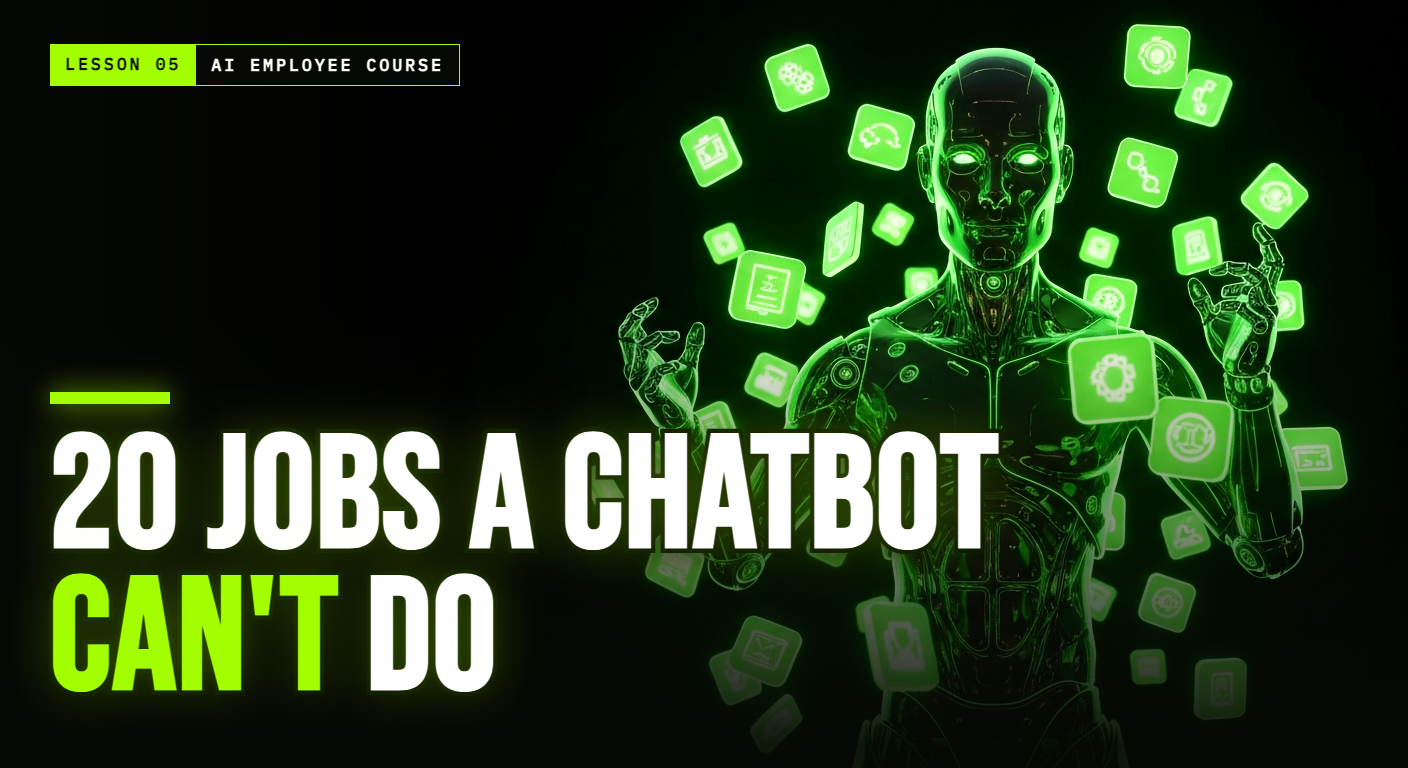
The AI Employee Course, Part 5 of 10.
TL;DR: A chat AI like ChatGPT, Claude, or Gemini can draft any message you ask for. An AI agent does the whole job: it initiates, acts across your apps, remembers, follows up, and comes back with a result. Here are 20 concrete jobs an agent handles that a chat tool, by design, cannot, and how to pick which to hand over first.
A chat AI is a brilliant writer that waits for instructions. An agent is a worker that takes them and runs. The list below is not about what an AI can say. It is about what it can do, on its own, while you are busy or asleep. As you read, notice the pattern: every item is an action taken to completion, across your systems, without you in the middle.
It starts and finishes work on its own
- Initiates without being asked. It does not wait for a prompt. A lead goes quiet, and it follows up on its own.
- Completes tasks, not just answers. Not "here is a draft reply," but the reply actually sent and logged.
- Books a real meeting. It checks your calendar, offers times, and confirms the event, not just writes "let's meet."
- Manages your inbox. It triages, drafts, and sends, instead of handing you text to copy and paste.
- Follows up until the lead replies. Day 3, day 7, day 14, without you remembering.
It works across your real channels
- Runs your WhatsApp all day. It answers customers in seconds, in your voice.
- Reaches out proactively to leads and customers, instead of waiting to be opened in a tab.
- Finds a supplier or contact even when it is not already in your inbox.
- Compares prices across options without you opening twenty tabs or twenty chats.
- Follows up after a payment to confirm, upsell, or ask for a review, unprompted.
It remembers and organizes
- Turns a meeting into tasks. It summarizes the call and creates the to-dos.
- Keeps your CRM updated after every interaction, instead of leaving it half-empty.
- Watches your competitors and flags a change, without you remembering to check.
- Turns a repeated action into a system, a process it runs the same way every time.
- Chases your team for the status you need, so you do not have to nudge everyone.
It acts like an actual employee
- Onboards a new hire by answering their questions, so you do not re-explain the basics.
- Collects documents from people until everyone has actually sent theirs.
- Builds a quote from information you already have on file.
- Preps you before a meeting with a short briefing on who you are about to talk to.
- Has a real identity: its own name, email, and phone number, so it can operate in the world, not just in a chat box.
How to pick which jobs to hand over first
Twenty jobs is a menu, not a to-do list. Trying to deploy all of them at once is the fastest way to trust nothing. Use a simple filter: rank each task by how much of your time it eats and how repetitive it is. The winners are high on both, and for most small businesses that is instant lead follow-up (items 1, 5, 6) and scheduling (item 3). Hand those over first, prove them, then add the next. Each new job runs on the same memory of your business, so it compounds instead of adding complexity.
Frequently Asked Questions
Can't I do most of this with ChatGPT or Claude plus some effort? You can do the writing with a chat AI. What you can't offload is the doing: the sending, booking, following up, and remembering across apps, day after day, without you. That gap is exactly what an agent fills.
Do I have to set up all 20 jobs at once? No, and you shouldn't. Pick the one or two tasks that eat the most of your day (usually lead follow-up or scheduling) and hand those over first. Add more once you trust it.
Which of these saves the most time first? For most small businesses, instant lead follow-up and meeting scheduling pay back fastest, because they run constantly and directly affect revenue.
Part 5 of the AI Employee Course. Next, Lesson 6: the first-five-minutes problem, and how AI follow-up wins the leads you are losing.
P.S. BOB does most of this list today, inside your WhatsApp. Meet BOB.