The AI Employee Course, Part 9 of 10.
TL;DR: The real power of an AI agent is not one feature, it is that a single agent connects to over 1,000 apps and works across all of them from one place. Instead of you being the glue between your inbox, calendar, CRM, and WhatsApp, the agent becomes the glue, and you get one conversation instead of ten dashboards.
Most small businesses do not have a software problem. They have a glue problem. You have the tools, an inbox, a calendar, a CRM, a payment system, WhatsApp, and you are the human who copies information between them all day. A chat AI adds an eleventh tab. An agent does the opposite: it becomes the layer that runs the other ten.
The real problem: you are the integration
Think about a single new customer. The message comes into WhatsApp. You check the calendar. You update the CRM. You send an invoice from another tool. You set a reminder somewhere else. Nothing is hard, but you are the thread connecting five apps, and that thread is your time and attention.
Every one of those hand-offs is a place work gets dropped: the CRM that never gets updated, the follow-up that never gets set. You are not disorganized. You are doing the job a piece of software should do.

How an agent actually connects everything
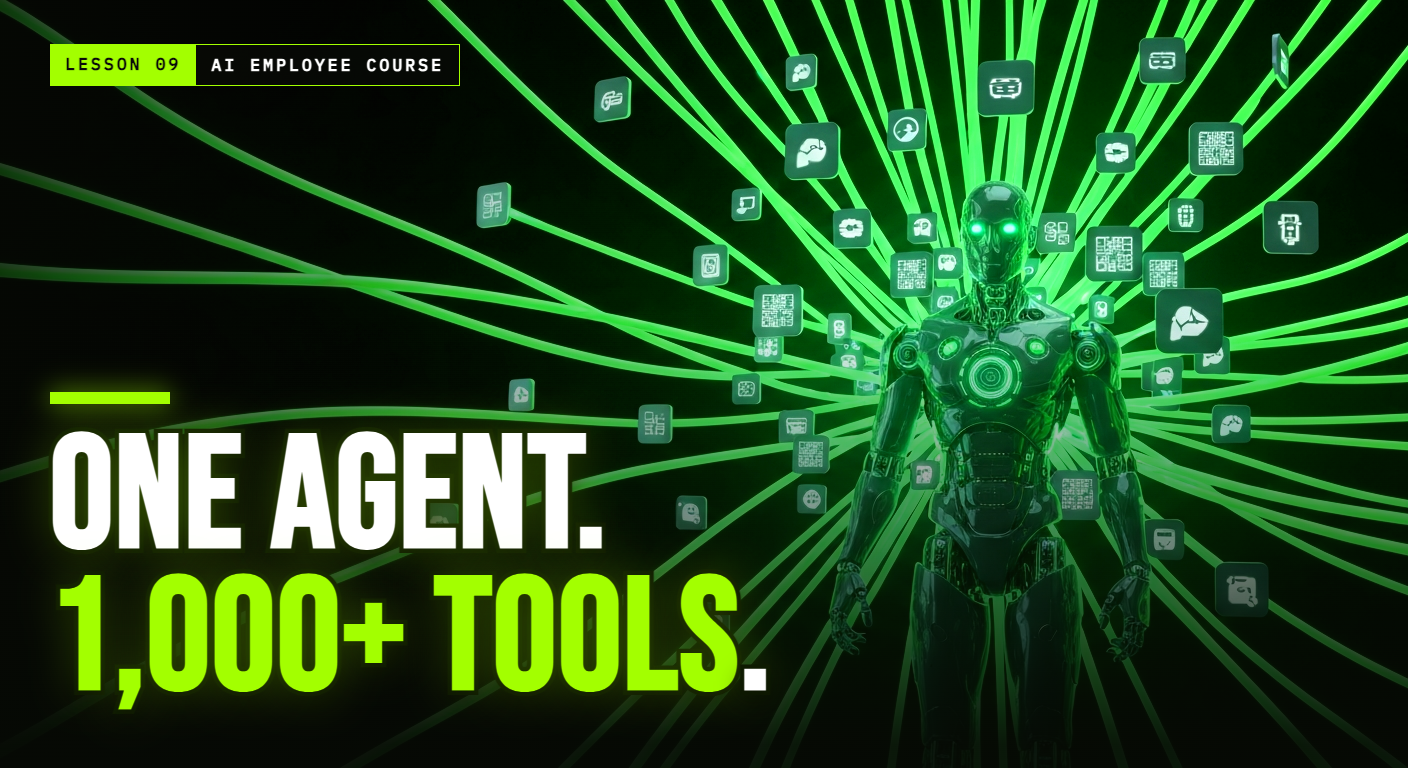
An agent built on an engine like OpenClaw plugs into more than 1,000 systems: WhatsApp, Gmail, Google Calendar, CRMs, Slack, Notion, payment tools, and more. Technically, it does this through each app's API, connected with scoped, revocable access you grant once, and increasingly through open standards that let new tools be added in a consistent way. You do not see any of that. Here is what you see instead: you talk to one agent, and it reaches into whichever tools a task needs.
- A lead messages on WhatsApp, the agent checks the calendar and books them.
- A call ends, the agent updates the CRM and sends the follow-up email.
- An invoice goes unpaid, the agent chases it and logs the result.
One conversation, one memory, many tools working together underneath. That is the shift from "using ten apps" to "delegating to one worker who uses them for you."
Why one interface beats more features
Adding another app to your stack usually adds work: another login, another place to check, another thing to keep in sync. An agent does the opposite. It collapses the stack into a single conversation, a single pane of glass. The apps are still there, doing their jobs, but you stop being their operator. That is why the win is not a longer feature list, it is fewer things you personally have to touch. The best measure of a good agent is not how many integrations it has, it is how many browser tabs you stopped opening.
What to look for (and what to ignore)
When you evaluate an agent, do not get dazzled by the raw integration count. Ask better questions: does it connect to the specific tools you actually use? Can it run a whole task across several of them, not just fire one action? And can it hold context between those tools, so booking a meeting also updates the CRM and sends the confirmation, as one flow? An agent that connects to a thousand apps but can only do one step at a time is just a fancier automation. The value is in the orchestration.
Frequently Asked Questions
Do I have to replace my current tools? No. That is the point. An agent connects to the tools you already use, your calendar, CRM, inbox, and WhatsApp, and works across them. You keep your stack; the agent becomes the layer that operates it for you.
What if the agent does not support one of my apps? With over 1,000 integrations, most common tools are covered, and open engines add more constantly. If something niche is missing, a good provider can often connect it through its API or suggest the closest supported alternative.
Is it hard to connect all these tools? On a hosted product, no. You approve access to each app once (the same way you would connect any two services), and the agent handles the rest. You are not writing integrations, you are granting permission.
Part 9 of the AI Employee Course. Next, the final lesson: a practical playbook for hiring your first AI employee.
P.S. BOB connects to over 1,000 tools through OpenClaw, all from one chat. Meet BOB.